
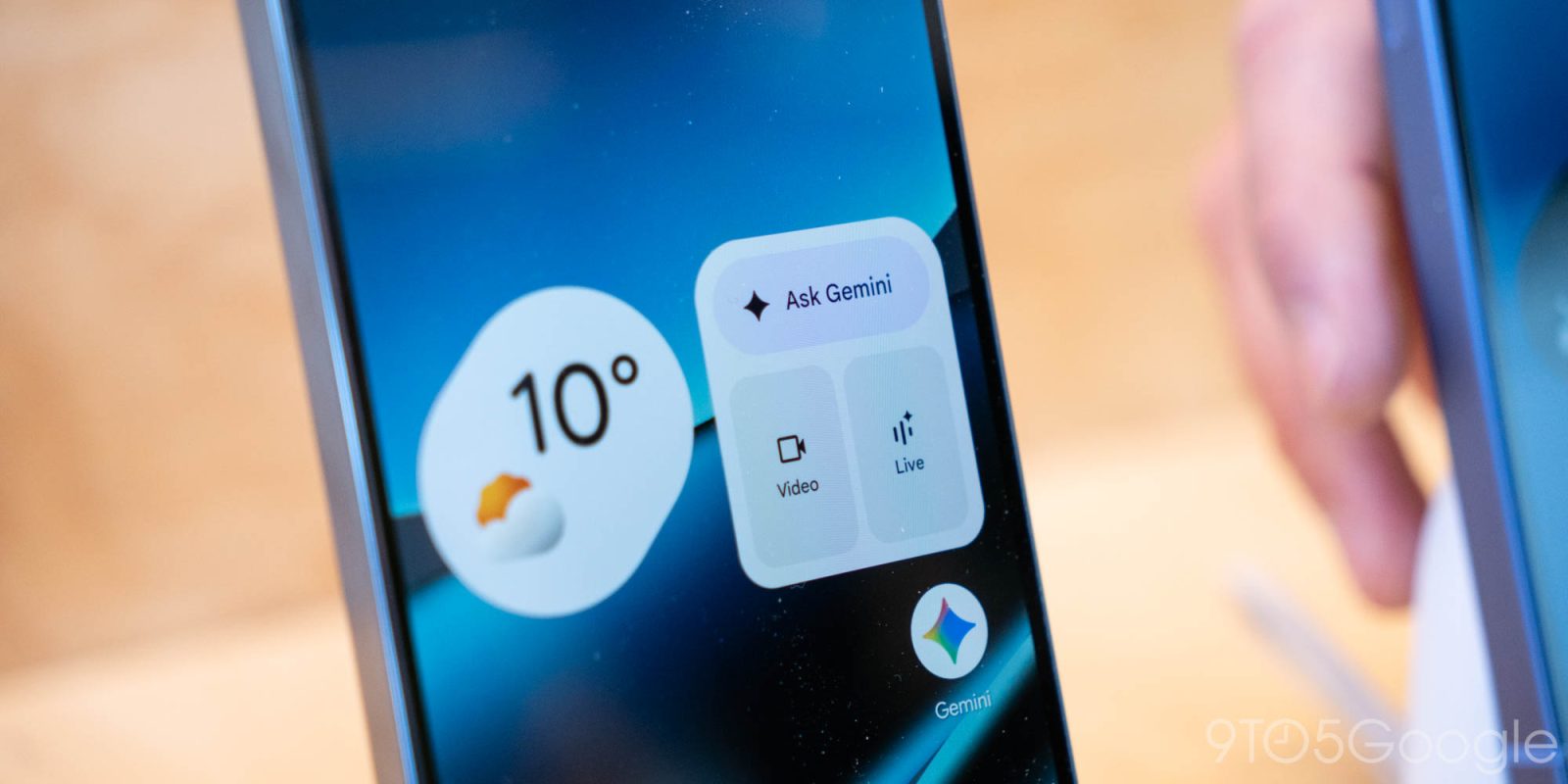
The Gemini overlay on Android now has a new glow effect , while Temporary chat is more prominent on the web. The dotted icon to start a Temporary chat is no longer in the side panel next to “New chat.” Instead, Google has moved it to the top-right corner next to your profile image and subscription status.
Advertising slot
What happened
The Gemini overlay on Android now has a new glow effect , while Temporary chat is more prominent on the web.
Why it matters
The dotted icon to start a Temporary chat is no longer in the side panel next to “New chat.” Instead, Google has moved it to the top-right corner next to your profile image and subscription status.
Advertising slot
What to watch next
When activated, the Temporary chat icon is placed in a blue circle. This new position is more prominent than the previous location, but you must now navigate to the homepage if you’re already in a conversation. It helps make the side panel a bit less cluttered.
Source notes
- 9to5Google press Global
From Patrick Tech
Contextual tools
AI Workspace Bundle for Digital Teams
A curated stack for writing, translation, summarization, and internal workflow speed.
Open Patrick Tech StoreCommunity
What did you think of this story?
Drop a reaction or leave a comment right below the article.


Latest comments
0No comments yet. You can start the conversation.